How the App Works
From setting availability to voice messages – the RoadBoy app guides drivers through every step of their workday. Here's how it works.
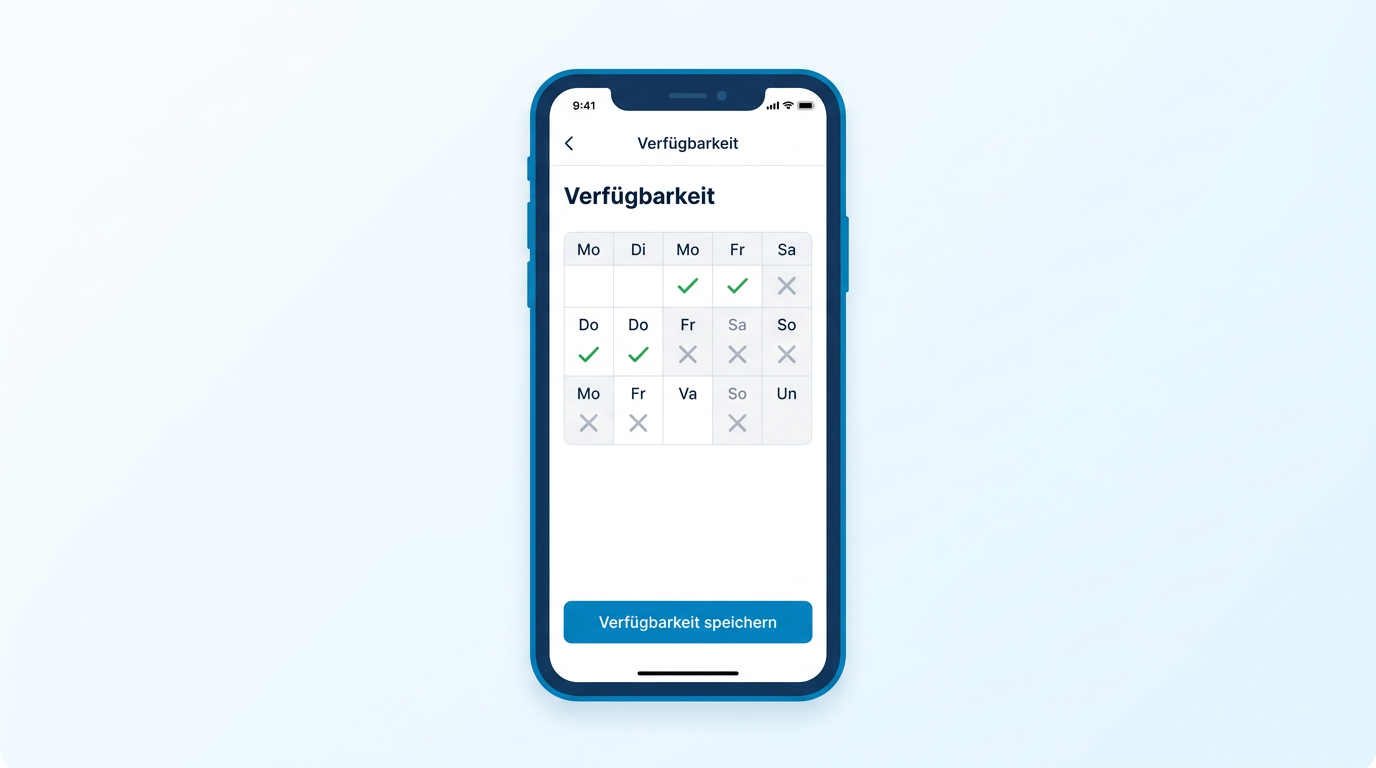
Set your availability
Drivers enter their availability directly in the app – for each day of the week, flexibly and easily. The dispatcher sees all availabilities at a glance and can plan immediately.
-
Calendar view for the entire week
-
Single or block selection with a tap
-
Automatic notification to the dispatcher
Choose your tour
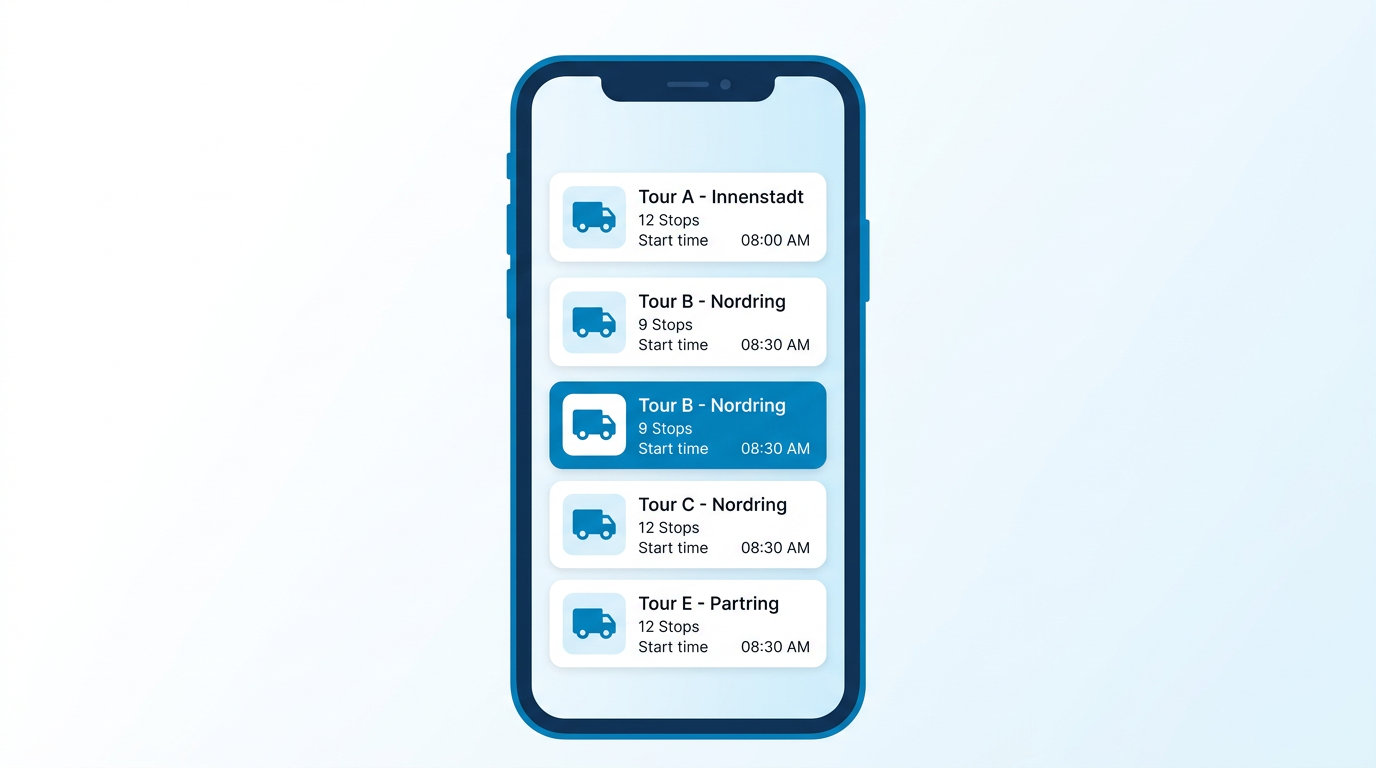
Once assigned by the dispatcher, all tours appear clearly in the app. The driver can see the route, start time, and number of stops – and starts with a single tap.
-
Clear overview of all assigned tours
-
Details on stops, vehicle, and start time
-
Push notification for new tour assignments
Navigation & Delivery
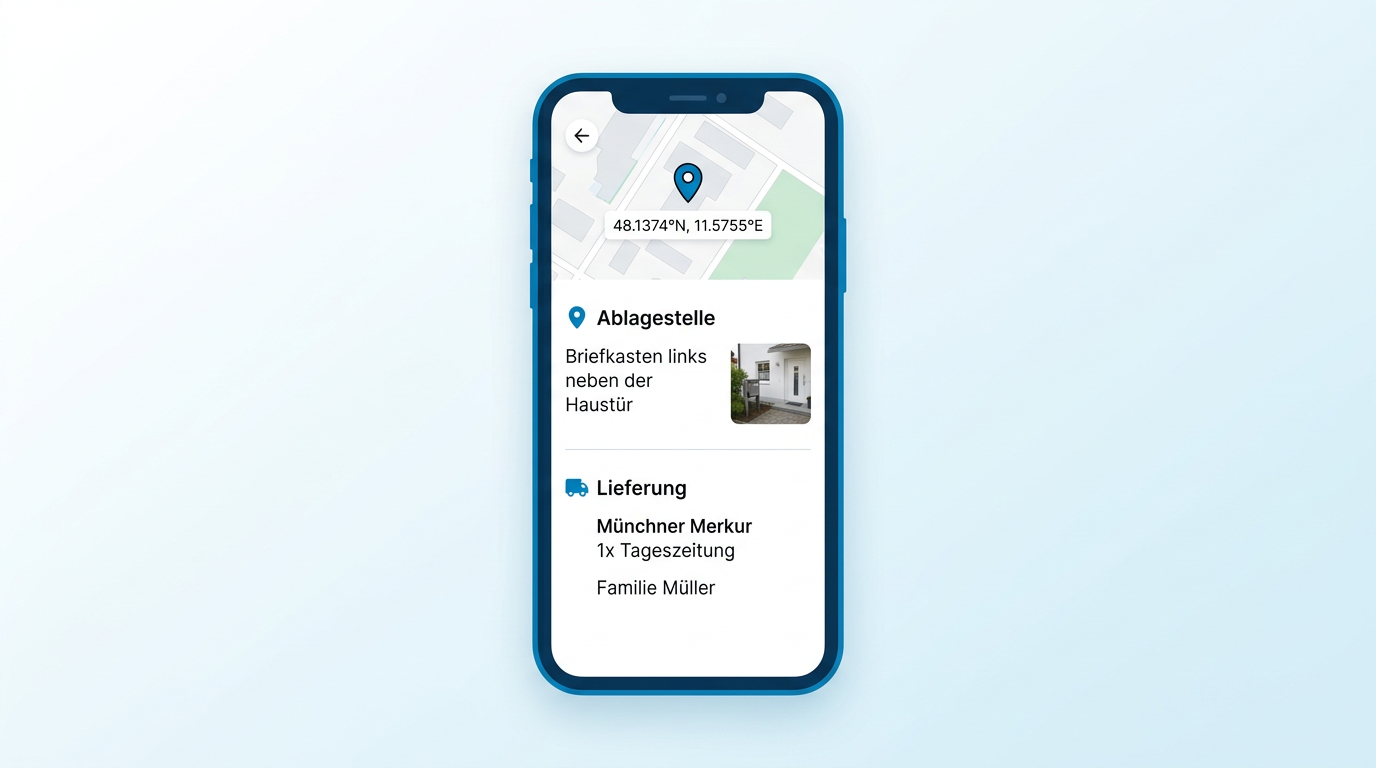
With one tap, optimized navigation begins – directly to the exact GPS coordinates of the drop-off point, not just the street address. At the destination, the driver sees all relevant information at a glance: a description of the drop-off location, an optional photo, and the full delivery details.
-
Navigation to exact GPS coordinates of the drop-off point
-
Drop-off description & optional photo displayed inline
-
Delivery data (what, to whom) shown on the delivery screen
-
Offline mode: works without mobile network coverage
Messages via voice input
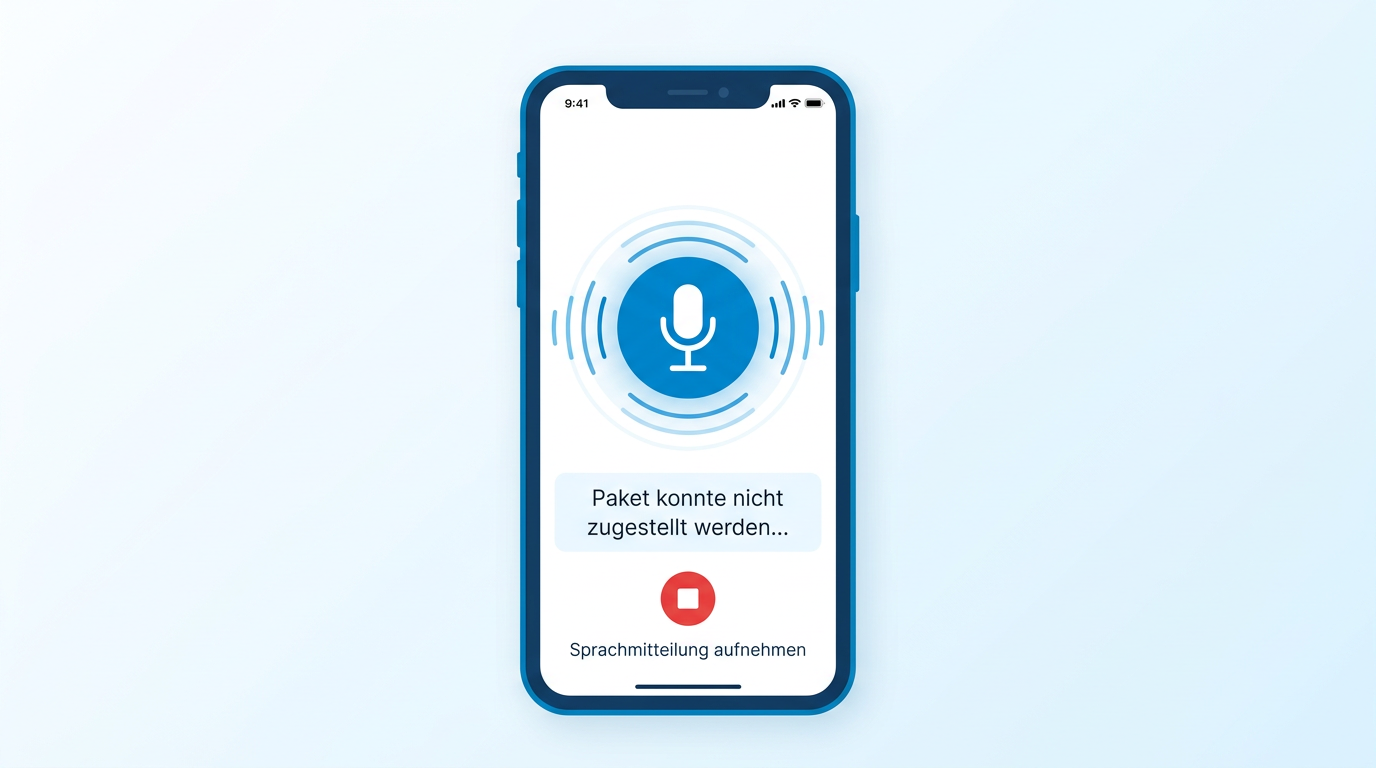
On the road, just speak instead of type: drivers dictate messages via voice input – hands-free, safe, and fast. The message is sent instantly to the dispatcher.
-
Hands-free voice input while driving
-
Automatic transcription and forwarding
-
Read confirmation for the dispatcher
Ready to get started?
Download the app now and start your first tour today.